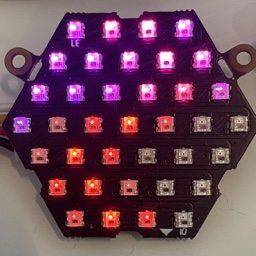
 ShinerCore
Lights that dance to the music.
Put a sugar-cube-sized ESP32 board and an LED strip into a jacket, along a ceiling or around a bike. Tune every color and animation from your phone while you wear it, and let it find the beat.
- Flash a board on your Mac Download for MacShinerCore Flasher macOS 14 or later, board over USB
- Tune it from your phone Get it on the App StoreShinerCore Remote iPhone, iPad and Apple silicon Macs
Free and open source · buy me a coffee if it helps

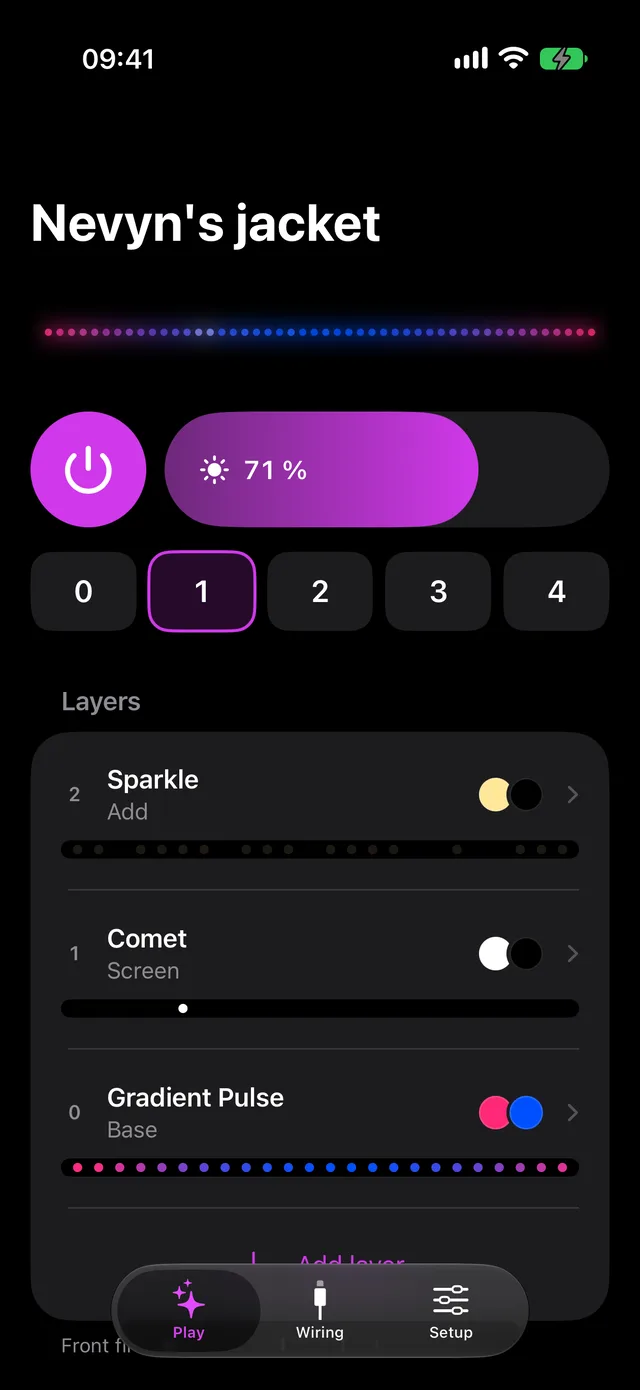
Tune it while you wear it
Pick a core in ShinerCore Remote, and Play shows the whole show: power, brightness, presets and every layer, with a live preview of the strip drawn by the firmware's own animation code. Every control changes the strip as you touch it, so nothing needs reflashing.
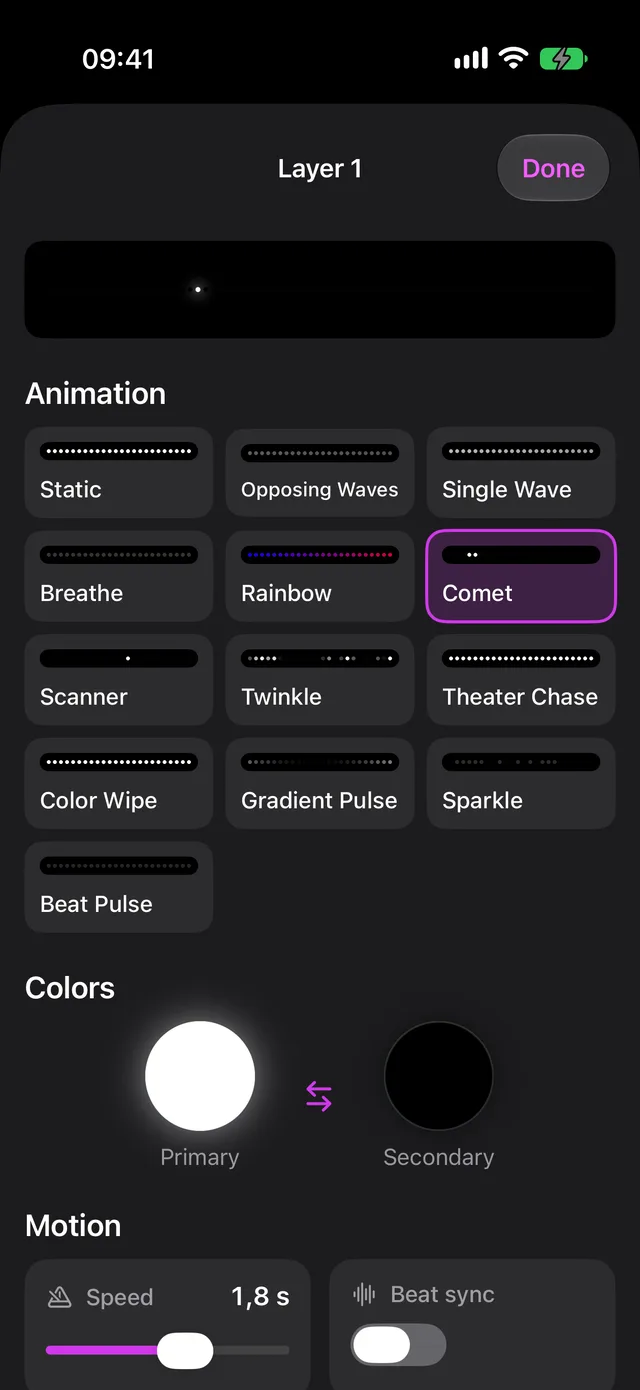
Stack layers into presets
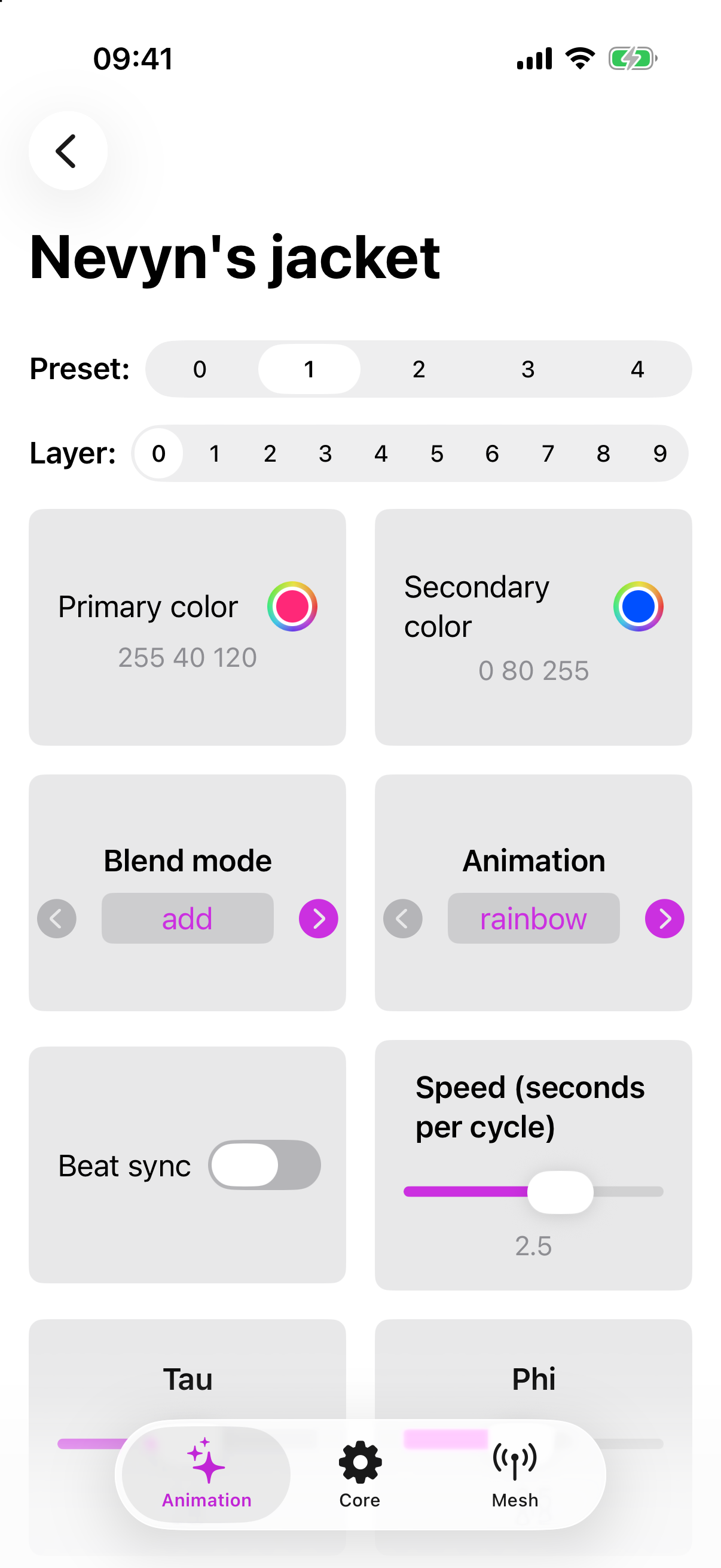
Each layer is an animation with two colors and a speed, and layers blend into each other, so a slow color wash can live under a fast sparkle. A stack of layers is a preset, and the button on the board steps through them.
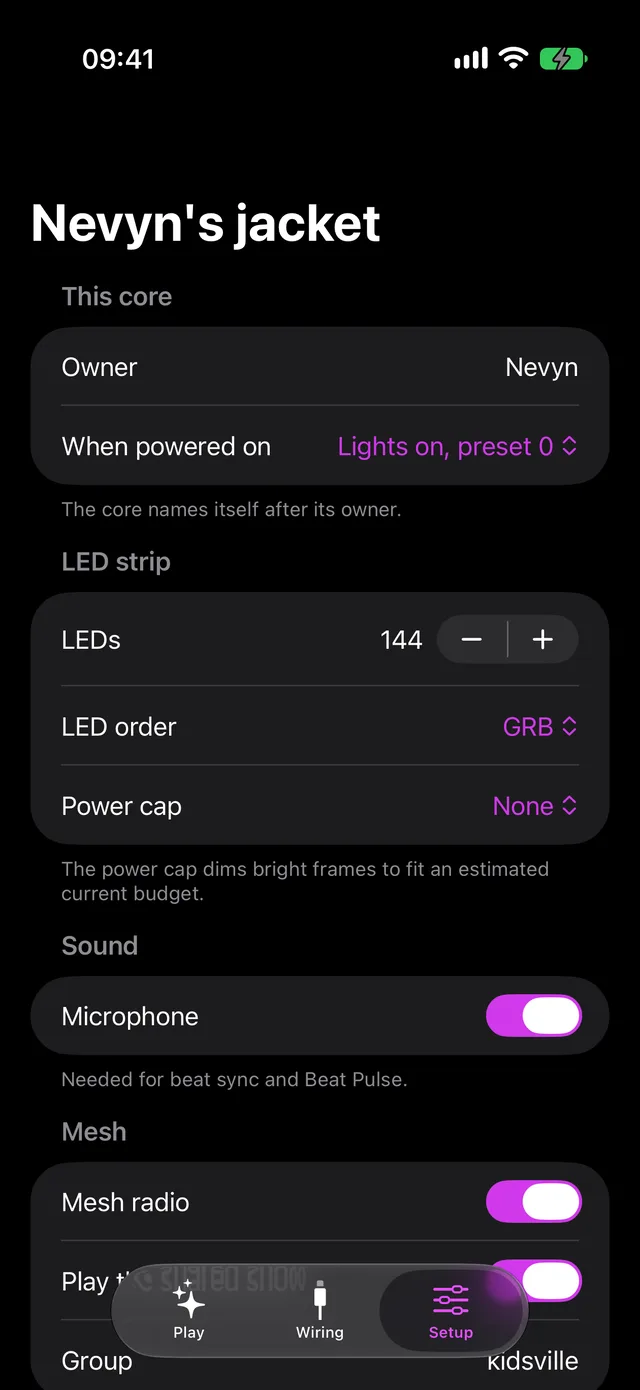
It hears the beat
Give a core a microphone and it finds the beat of the music around it, and runs its animations in beats instead of seconds. Cores near each other share one beat grid over ESP-NOW and step through their presets together, so a whole camp pulses in time.
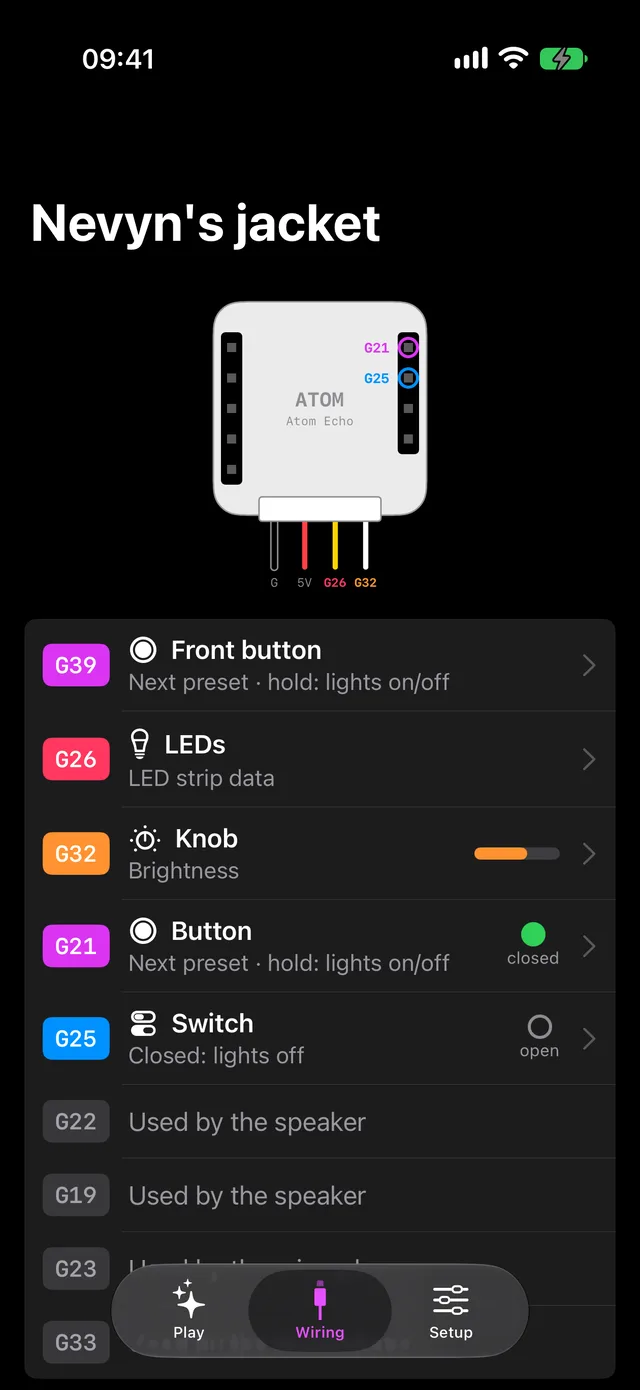
Wire in your own controls
The Wiring tab draws your board and gives each pin a job: a switch that holds the lights, a button that steps through presets, a knob for brightness, or the LED strip itself.
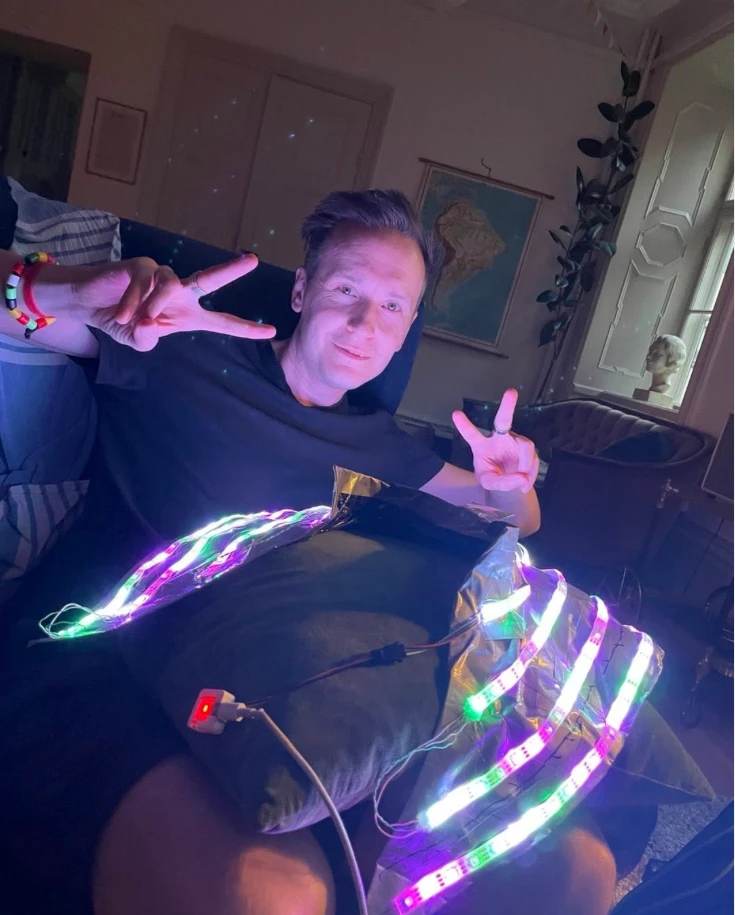
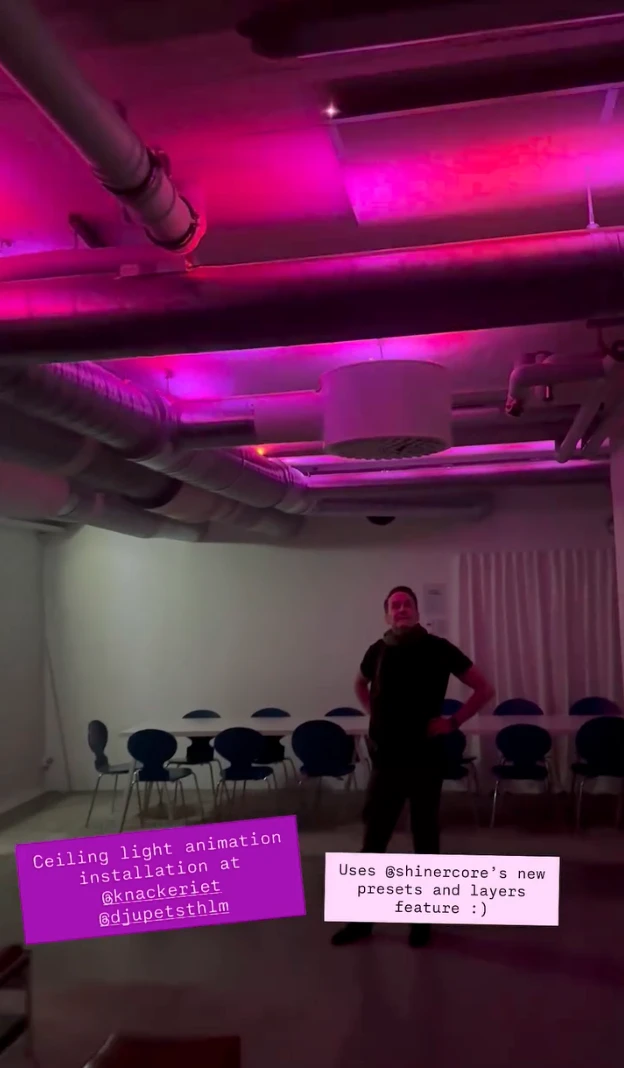
What it ends up inside
Get started
-
Get a board
ShinerCore runs on these small boards from M5Stack:
- M5AtomS3 Lite
- M5Atom Lite
- M5Atom Echo (has the microphone; now sold as Atom Voice)
- M5StickC Plus
-
Put ShinerCore on it
Plug the board into a Mac with a USB data cable and open ShinerCore Flasher. It installs the latest firmware, and later updates keep your presets and wiring.
Download ShinerCore Flasher -
Get ShinerCore Remote
For iPhone, iPad and Apple silicon Macs. Your core shows up in its list of nearby cores.
Get ShinerCore Remote on the App Store -
Add LEDs
Any WS2812-compatible strip works; they're also sold as NeoPixel. The Wiring tab shows where to connect it, and the strip guide helps you pick one.
On Windows or Linux, build the firmware with the Arduino IDE instead; the setup instructions are in the firmware's readme.
Why it exists
ShinerCore is what I reach for whenever something needs to glow. It’s a firmware for the very small ESP32 boards from M5Stack — an Atom is about the size of a sugar cube — and it drives the addressable RGB strips you sew into a jacket, tape along a ceiling, or wind around a bike.
What makes it worth having over yet another blinking-lights sketch is that nothing is compiled in. You connect from the companion app, and every knob — colors, animation, speed, brightness, even the order the LEDs are wired in — takes effect on the strip while you stand there and watch. Animations stack in layers with blend modes, so a slow color wash can live underneath a fast sparkle with each tuned separately, and a whole stack of layers is a preset that the button on the device itself steps through. Which is what you actually want at four in the morning, when the phone is somewhere in a tent.
Then it grew ears. Give a core a microphone and it listens to the room, finds the beat, and runs animations in beats per cycle rather than seconds per cycle, so the lights pulse with the music instead of near it. Once several of them are in the same place they gossip over ESP-NOW: they share a single beat grid — whoever hears the music most confidently gets to lead — and they walk through their presets together, so a whole camp of jackets breathes in time.
It’s all open source: the firmware, and the app that configures it, which is on the App Store and runs as a Mac app too. Photos of the things it ends up inside are on @shiner.core.
Open source
How it works inside: the Bluetooth protocol, beat detection, mesh sync and wiring.